TikTok Emoji Codes: The Hidden Emojis and How to Type Them
TikTok emoji codes are secret bracket shortcuts like [smile] and [cry] that turn into hidden TikTok-style emojis in comments. Type the code in square brackets, and TikTok swaps it for a face you cannot get from your phone keyboard.
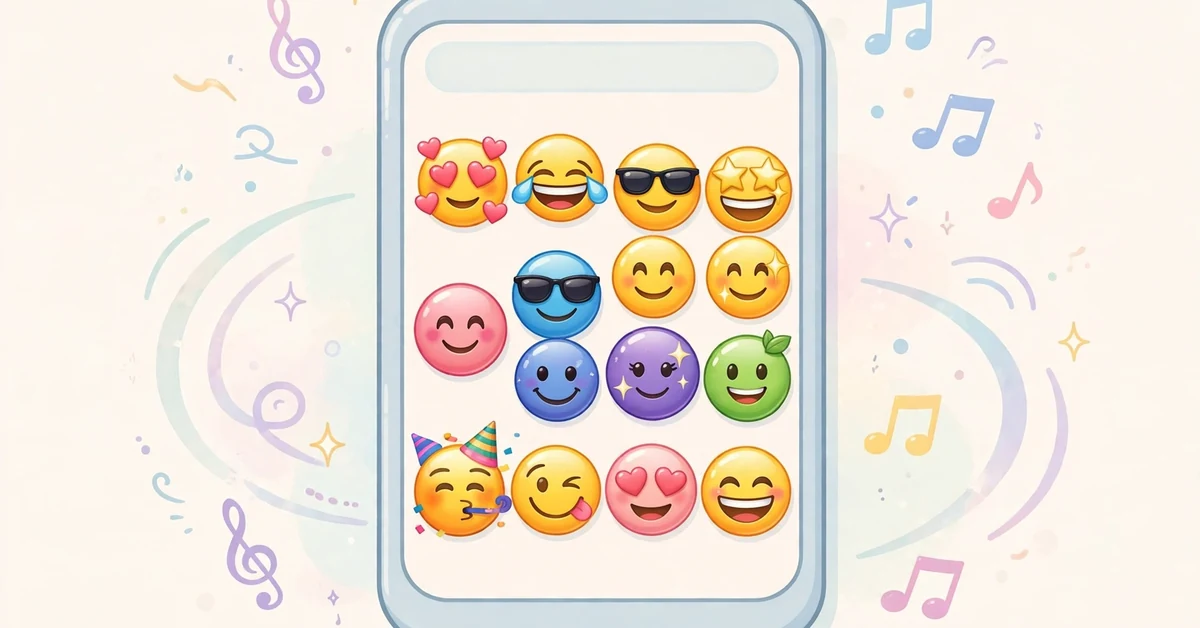
These are not the normal emojis you already know. They are TikTok’s own secret set — round, glossy faces with a style you will not find in your phone’s emoji picker. Nobody can guess them by looking. You either know the code, or you don’t.
What Are TikTok Emoji Codes?
TikTok hides about 46 emoji inside its app. They never show up in the emoji tray. The only way to use them is to type a word wrapped in square brackets, exactly as TikTok expects it.
So you type [smile], press send, and your comment shows a big grinning TikTok face instead of the text. The code disappears. The face stays.
A few things to know first:
- Brackets are required. Type the word and the square brackets around it. [smile] works. The word “smile” alone does not.
- Codes are lowercase English words. [Smile] or [SMILE] will not work. It must be [smile].
- No spaces inside the brackets. [smile face] does nothing. Single words only, like [happy] or [cry].
- They work in comments and captions. Wherever TikTok lets you type, the codes are accepted.
If a code is wrong or misspelled, TikTok simply shows your plain text — [smile] in brackets for everyone to read. Nothing breaks. It just looks like you quoted a word.
The Full Code List
Here is the complete verified set of TikTok emoji codes, with what each one shows:
| Code | What you get |
|---|---|
| [smile] | Grinning face |
| [happy] | Happy, excited face |
| [smileface] | Simple smiling face |
| [laughwithtears] | Laughing so hard it cries |
| [laugh] | Big open-mouth laugh |
| [cry] | Crying face |
| [weep] | Heavy sobbing face |
| [tears] | Face with flowing tears |
| [stun] | Stunned, dazed face |
| [scream] | Screaming face |
| [astonish] | Shocked, wide-eyed face |
| [angry] | Red angry face |
| [rage] | Furious, raging face |
| [wronged] | Sad, wronged face |
| [shout] | Shouting face |
| [sulk] | Pouting, sulking face |
| [embarrassed] | Blushing, embarrassed face |
| [flushed] | Flushed cheeks face |
| [surprised] | Surprised face |
| [speechless] | No words left face |
| [funnyface] | Goofy funny face |
| [facewithrollingeyes] | Rolling eyes face |
| [disdain] | Judging, side-glance face |
| [drool] | Drooling face |
| [yummy] | Licking lips, tasty face |
| [greedy] | Money-hungry face |
| [complacent] | Smug, self-satisfied face |
| [proud] | Proud, chest-out face |
| [thinking] | Deep in thought face |
| [wow] | Amazed, wide-open face |
| [joyful] | Pure joy face |
| [hehe] | Sneaky giggle face |
| [lovely] | Lovestruck face |
| [loveface] | Face full of hearts |
| [nap] | Sleepy, napping face |
| [awkward] | Awkward grin face |
| [blink] | Winking face |
| [cute] | Adorable face |
| [wicked] | Mischievous grin face |
| [cool] | Sunglasses cool face |
| [evil] | Little devil face |
| [angel] | Little angel face |
| [slap] | Face about to be slapped |
| [excited] | Over-the-top excited face |
| [pride] | Pride flag-style face |
Copy the code exactly, brackets included. Paste it into a comment and watch it transform.
How to Use Codes in Comments and Captions
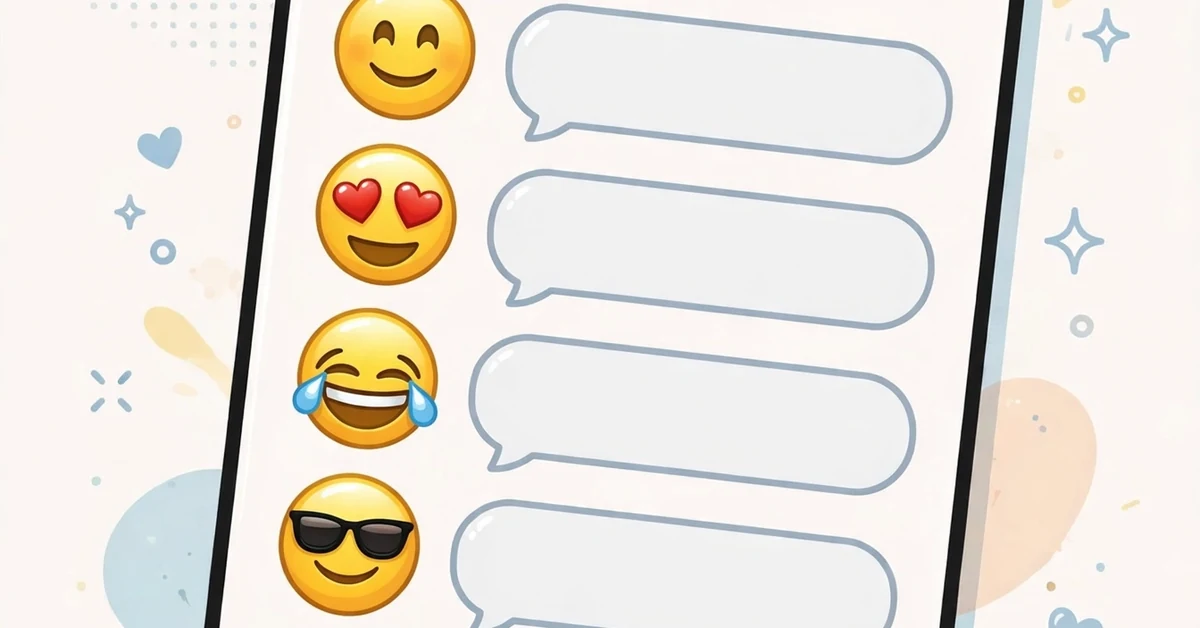
Using a code takes two seconds, but a few habits make it smoother.
On your phone: open a video’s comments, tap the text box, and type the code on your keyboard. You do not need an emoji tray or a special app. [cry] is five keys and two brackets.
Mix codes with normal text. “that part [weep]” hits harder than a plain sentence, and “me watching this [stun][stun][stun]” is a whole reaction in three taps. Codes behave like words — they sit inside your sentence, not outside it.
Use them where normal emojis feel played out. Everyone has seen 😭 a million times. The TikTok [weep] face is less familiar, so it lands fresher in comment sections that have emoji fatigue.
Check it sent right. After you post, glance at your comment. If you see the face, the code worked. If you see the bracketed word, something was off — usually a capital letter or a typo.
In captions, codes work the same way, but keep them few. A caption with eight bracket codes looks like a wall of faces. One or two at the end of a line is the sweet spot.
Old TikTok trends ran on these codes. Our 67 emoji guide shows how a TikTok trend can give a number its own meaning — these secret emojis are part of the same comment-section culture.
Codes That Don’t Exist (Rumors)
People keep asking about codes that were never real. Save yourself the trouble:
- [heart], [fire], [star], [thumbsup] — none of these exist. TikTok never added object or symbol codes. The secret set is almost all faces.
- [laughing] — not a code. The real one is [laugh] or [laughwithtears].
- [sad] — not a code. Use [cry], [weep], or [wronged].
- [love] — not a code. The romantic ones are [lovely] and [loveface].
- Made-up mashups like [smilecry] or [angrylaugh] — not codes. Each face has one exact name.
Rule of thumb: if you saw it on a “leaked codes” list but not in the table above, it is a rumor. Real codes are single, plain, lowercase English words — smile, cry, angry, happy.
Also watch for look-alike fakes: TikTok keyboard apps in app stores sell “secret emoji packs” that are just the normal phone emojis. The real codes need no app at all.
TikTok Emojis vs Phone Emojis
So which should you use — the secret codes or your phone’s normal emojis? It depends on the room.
Secret TikTok codes feel insider and playful. They mark you as someone who knows the app’s hidden layer. They also stand out in a comment wall where the same ten normal emojis repeat all day. Use them on TikTok itself, where everyone is in on the joke.
Phone emojis are universal. They render everywhere — Instagram, WhatsApp, texts — while TikTok codes only work inside TikTok. If the post might be screenshotted, shared, or seen off the app, normal emojis travel better.
Some creators use both on purpose: a secret [cry] in the middle of a TikTok caption for the TikTok crowd, and normal 😭 elsewhere. Two tools, two audiences.
Neither is better. They are simply two different ways to put a face on your words.
TikTok Emoji Code FAQs
Why don’t TikTok emoji codes work on Instagram?
The codes are TikTok’s own feature, not part of the emoji standard. Other apps don’t read the bracket trick, so [smile] just shows as text there.
How many TikTok emoji codes are there?
Around 46 in the verified set. TikTok rarely adds new ones, so lists stay stable for a long time.
Do codes work on desktop TikTok?
Yes. The web version accepts the same bracket codes in comments. Type them in the comment box exactly as on your phone.
Why does my code show as plain text?
Almost always one of three things: a capital letter, a typo, or spaces inside the brackets. Recheck it against the table — one letter off is enough.
Can I suggest new TikTok emojis?
Not through codes. TikTok adds secret emojis only in its own updates, and the current set has barely changed since launch. Don’t wait for [your-idea] to arrive.
The Secret Faces
TikTok’s hidden emojis are the app’s oldest insider trick — type a code, get a face nobody can find in a tray. Save the table, copy the codes exactly, and your comments will never look like everyone else’s.

Hi, I’m Nathan Cole, a symbols researcher and writer for Symboliism.com. I specialize in decoding money symbols, career numbers, and prosperity meanings. I love turning complex spiritual and financial symbolism into clear, practical guides that help readers understand the signs influencing their success, goals, and growth.